Send FB2 to Kindle
Kindle doesn't read FB2. Upload the book to DropKind — we make an EPUB and send it to your Kindle.
Free account · 20 deliveries a month · no credit card
Looking for an FB2 to MOBI or AZW3 converter?
You don't need either. That advice dates from when books went onto a Kindle over a cable. Today a Kindle takes EPUB: DropKind makes one from your FB2 and delivers the book to your Kindle for you. No software, no cable.
- FB2 your book
- DropKind makes an EPUB
- Kindle in your library
What the conversion keeps
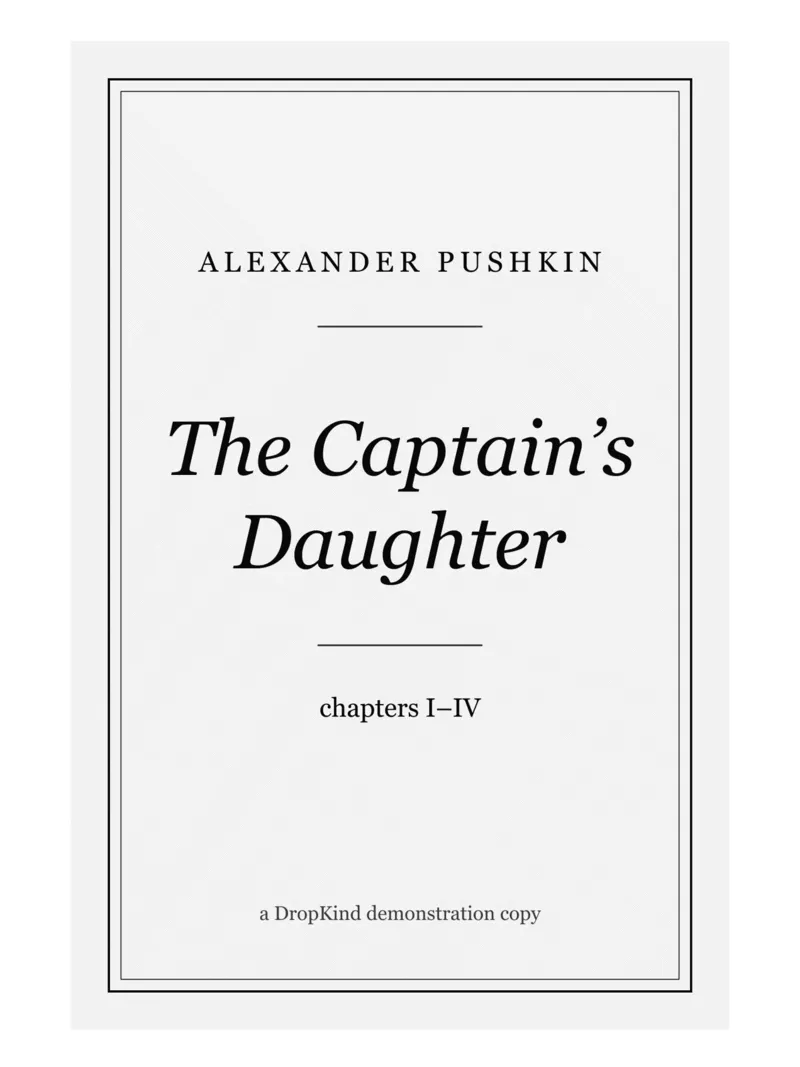
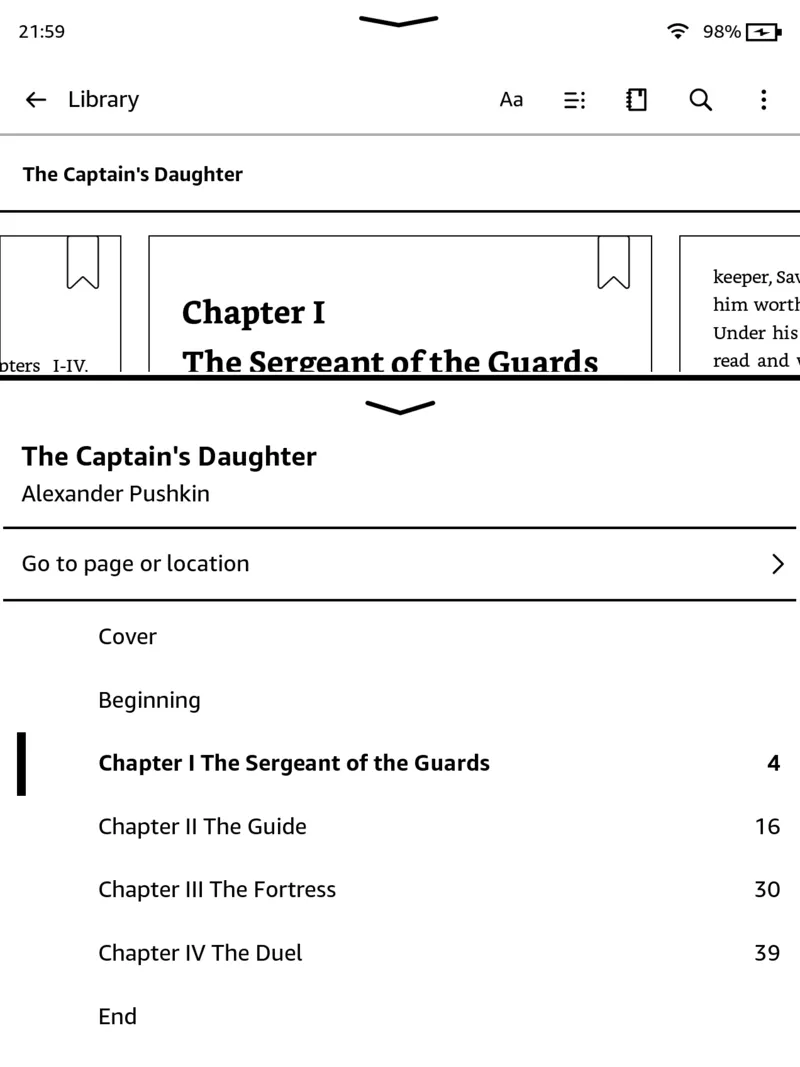
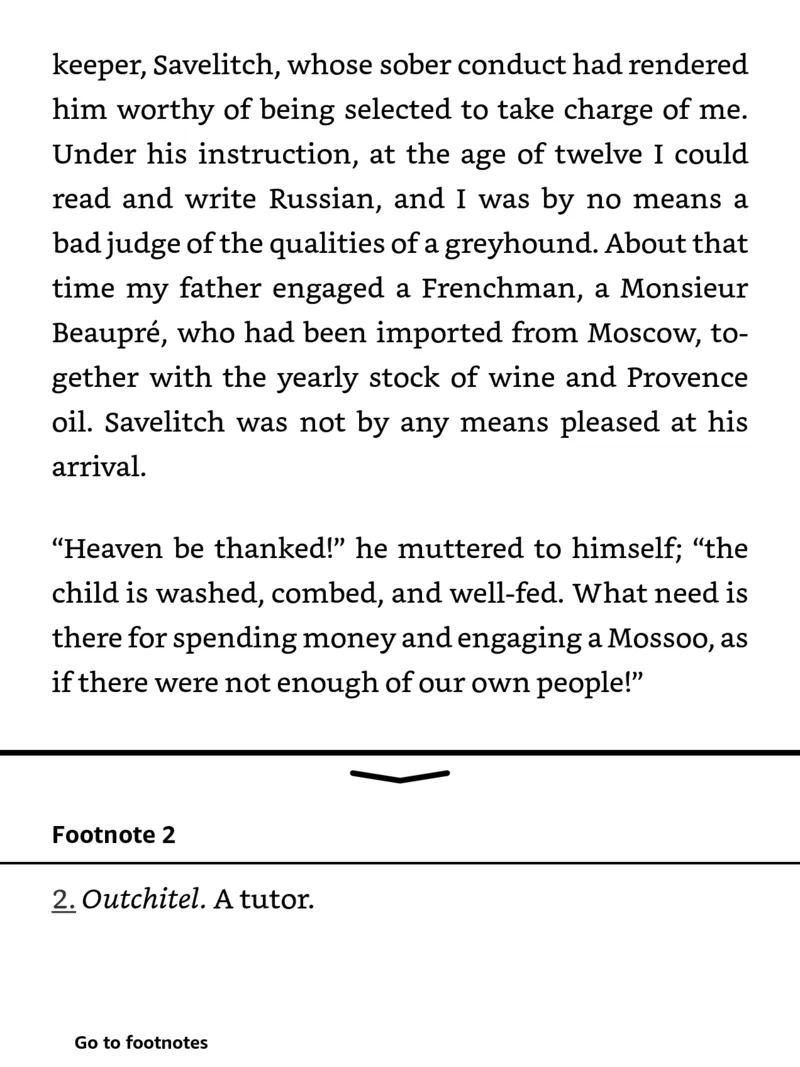
Poems and epigraphs keep their layout, old books in the windows-1251 encoding come out readable, and the series name and the book's number are shown at the start.
Every screenshot on this page is from a Kindle Paperwhite. The book is a demonstration copy of The Captain's Daughter (chapters I–IV, T. Keane's 1894 translation from Project Gutenberg), sent through DropKind.
How it works
Go through a quick setup
Sign in with your email, and DropKind walks you through connecting your Kindle, step by step. You only do this once.
Upload the book
Drop a .fb2, .fb2.zip or .fbz file on the page, send it to @dropkind_bot in Telegram, or paste a link to the file.
Read it on your Kindle
The book arrives in your Kindle library in a few minutes, with its cover and table of contents.
Free account · 20 deliveries a month · no credit card
Questions
Does Kindle support FB2?
Do I need to convert FB2 to MOBI or AZW3?
Do I need Calibre?
Can I upload a zipped book?
Is it free?
Is there a size limit?
Try it with your own book
Free account · 20 deliveries a month · no credit card